Custom Online Stamp maker

How to generate a stamp template from scratch (instruction)

The web constructor Stamp Maker suggests visitors various layouts for generating unique seal and stamp designs. The service provides users with a wonderful possibility to make new prints (for example, vector ones) with an individualized stamp design. You also have a chance to generate samples for custom physical prints (of course, if you have supplementary details like ink and an ink pad for using them).

The instruction for generating a new template for an electronic or a rubber stamp online with the Stamp Maker platform consists of several stages. Let’s see what actions you should perform to make stamp online:

1
Press the button that is named “New Stamp” (it’s located in the top-right corner of the constructor), then, choose a template and the dimension of your print.
2
If you click on the option called “New seal”, you can select a circular, oval, triangular, or rectangular layout. Different fonts are also offered.
3
Click on the icon “Add Ring” in the menu. Generate an outer ring of your seal, set the radius, select the desired thickness, break line (use the sliders that are located on the right).
4
Press the icons that are called "Circle Text" or "Line Text". Insert the content into the panel that you see on the left.
5
Alter the content, the radius, the font and the other parameters (apply the panel on the right for this purpose). You can delete, raise or copy the necessary details by pressing the dots that are located in the menu next to these elements.
6
Click the button that is named “Templates” (it’s situated in the top-left corner), choose the image of your stamp. It can be a picture that is suggested in the list or an individualized image in the svg format that the user has uploaded.
7
Press the icon called “Envelope” and receive a special link that will be used for editing the template in the future. Or click on an icon named “Eye” to appreciate the result of your work.
8
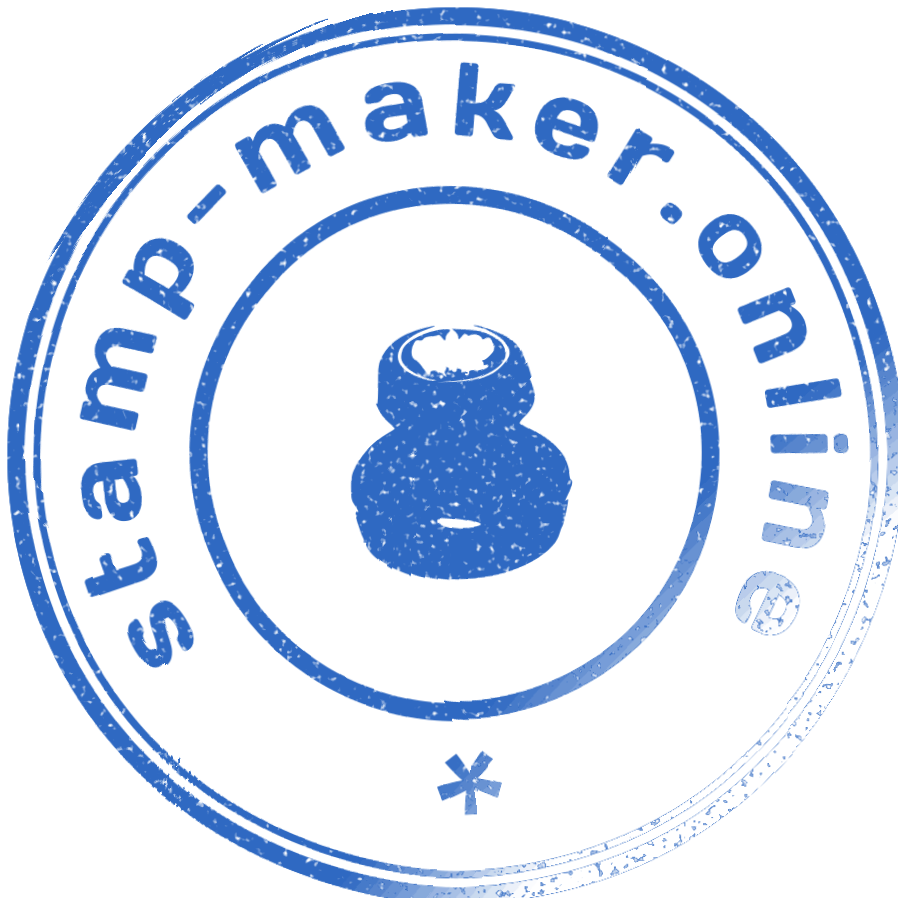
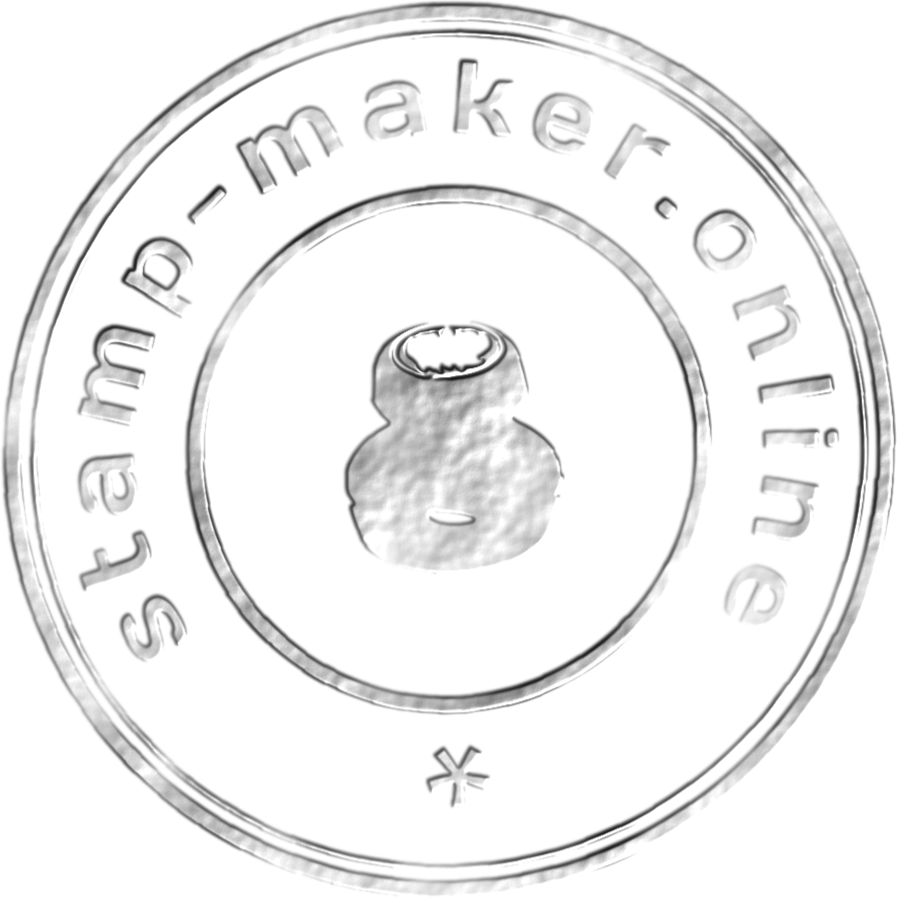
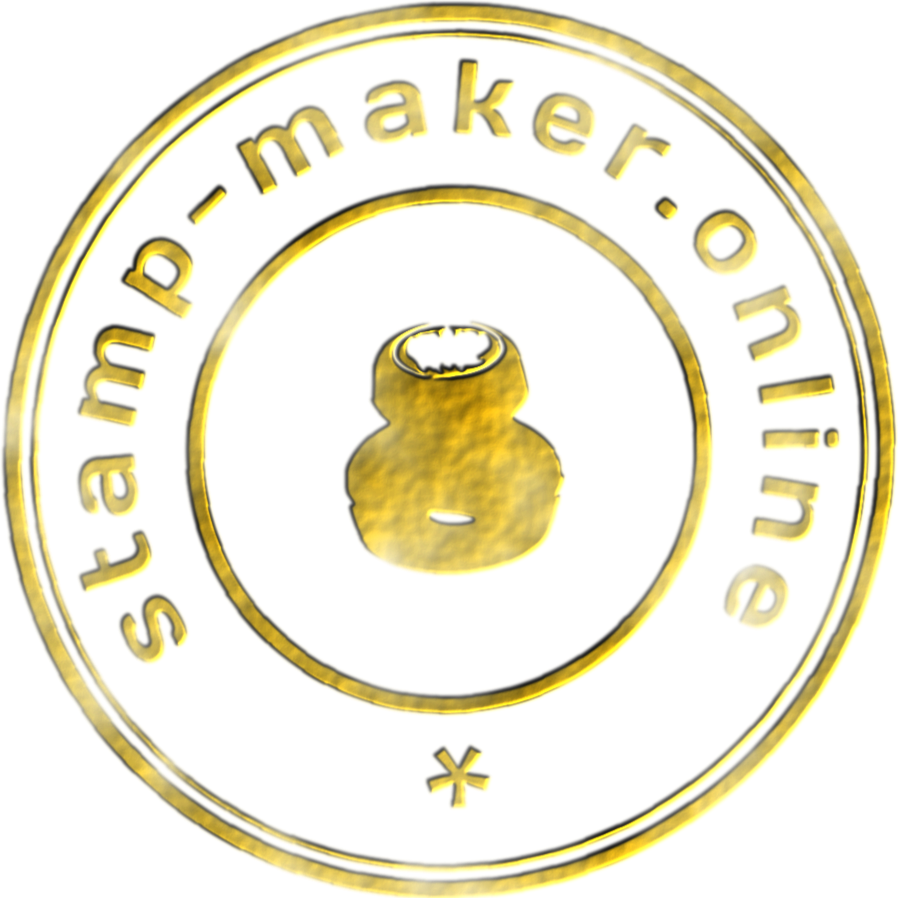
Add some supplementary properties (for instance, “Shabby”, “Silver” and “Gold” for physical stamps) to your print by clicking on the corresponding icons. Visitors can use these options for free.
9
Download the result of your work.
1
Open the necessary document.
2
Enter the menu and select the point that is called “Insert”.
3
Choose the image and download this file from your device.
4
Open the menu that defines the size of pictures.
5
Specify the necessary dimension of your file.
6
Go to the text transfer menu.
7
Place the image in front of the inscription.
8
Move your print to the needed location.
1
Choose the tab that is named “PDF Editor”.
2
Press the button called “Open PDF Editor”.
3
Press “OPEN PDF”, choose the document you need.
4
Insert the print (it’s done with the upper right button).
5
Insert the stamp on the necessary paper.
6
Download the completed document in the PDF type of format.
7
Check your document.

Design Your Custom Rubber Stamp: Pricing & Payment

General Format

Ideal for documents

3USD

Example

Png
shabby png
gold png
silver png

File format

SVG
EPS
PNF
Sample download

Multipurpose Format

the best choice for rubber and online stamps

7USD

Example

Png
shabby png
gold png
silver png

File format

SVG
EPS
PNG
PDF
DOC
Sample download

Why Make Stamp?

Our online service is an awesome online solution for anyone who needs a digital stamp or physical rubber stamps for business or personal use. With our custom stamp designer, you can easily design logo stamps, personalized stamps, and a stamp with personalized text using a powerful online tool. You can start your project with a custom stamp design that fits your brand identity and professional needs. The stamp creator online works as a full rubber stamp maker that allows you to create a custom seal, a unique stamp, or a rectangle layout for stamp bodies, including pre-inked stamps and traditional rubber options.

This easy online platform allows you to create exactly the stamp you want: choose the type of stamp: 1x and start the process to create a stamp with a unique design. You can create your custom layout, design unique graphics, and even create a template from scratch using an intuitive, user-friendly stamp interface. The system supports customization and helps you create a custom stamp, create custom stamps: 1x, and create a custom stamp: 1x with precision.

Our tools help you create rubber stamps, customize your own rubber stamps, make a rubber impression, and replace the rubber text or position the new rubber before you press the stamp. The platform lets you convert text to curves, upload an svg picture, and easily design a seal design ready to stamp documents. Stamps are also available as create custom digital formats, so you can download your digital file when finished.

Whether you need rubber seals, a stamp impression for official use, or want to design and make something original, stamps are perfect for professional branding. The editor helps you create your custom project, create a stamp impression-ready layout, and create rubber stamps that match your needs. This free online solution helps you create exactly what you imagine, from custom seal to stamp documents, all in one easy online workflow.

With this stamp creator visitors have a chance to create custom prints (electronic and physical stamps, including self-inking stamps) for various spheres of activity. Our layouts can be applied in digital document management, as well as inserted into any PDF paper. Besides, we offer a free tool on our website where you can do this. Here are several examples of professional stamps and other types of prints that users can create with this free custom stamp maker:

A simple solution for complex stamps

The interface of the Make Stamp stamp generator is so simple that any visitor, even a person that has no experience in applying such services, will quickly understand how to use this web constructor. A lot of visitors recommend this web constructor to the clients that need to order stamps of an excellent quality for various purposes. There are several reasons why customers prefer this platform for generating prints:

An opportunity to alter the outlines and the dimension of prints. For instance, visitors can change the diameter of round stamps, edit the sides of triangular layouts and set the height and the width of rectangular stamps

There are about 300 various layouts. Besides, there are numerous variants of a frame, a font and a logo. Visitors have a chance to choose basic details from a great assortment. It helps users save time that is needed to individualize their samples

A possibility to apply various devices. Make Stamp is available on different gadgets, so you can work on a smartphone or on a tablet. It’s convenient

An opportunity to download a template in any format. Different types of formats are represented. Visitors can select svg, png, pdf and some others and convert their sample into a convenient format

A possibility to make a stamp template just in a few mouse clicks. Users from any time zone are given a chance to generate a layout of their print rapidly and to alter their sample anytime

Effective support. Experienced professionals are ready to answer visitors’ questions anytime. The specialists react quickly and solve the customers’ problems in several minutes. Just contact the support team via WhatsApp and tell the experts about your issues

An opportunity to personalize prints for free. While generating a rubber stamp template. To create a rubber stamp, for example, a self-inking one, visitors can apply various options like Shabby, Silver or Gold

Several options of payment and an opportunity to select a convenient one

They trust us

2026/01/01
I want to note that the online stamp maker Stamp Maker has become a reasonable variant for creating seals for my brand. I’m totally satisfied with the great selection of design tools, images and stamp templates, and the simple interface of the service. The high-quality prints I had generated look crisp, clear and professional. And the pricing of downloading the created templates is moderate!
2025/12/08
The interface of the stamp maker is easy-to-use. I appreciate a great opportunity to select a proper template and customize it, as well as instruments that helped me to design custom stamps and to develop my creative abilities.
2025/11/15
I value the possibility of getting a rapid solution of any problem from the customer support. The experts reacted quickly and answered my question in just several minutes.

Frequently asked questions

Where can I receive a physical rubber print?
Our service provides an opportunity to generate electronic stamps or templates of conventional seals online. Visitors that need rubber prints have a chance to make a layout and to download this sample. Then, they need to address a special company that will make a physical print according to the template. When choosing such a firm, pay attention to its turnaround and to the way professionals ship clients orders.
Can I generate my own print layout or should I apply a ready-made one?
Both options are provided. The web constructor offers special instruments for working with a template. Visitors have a chance to define the dimension of their prints, insert inscriptions and pictures. Ready-made layouts are also available.
How should I select a proper sample or design for my print?
If you wish to choose a stamp template, this platform provides you with a great library of layouts and various details. Besides, users have a chance to alter the dimension, the font or graphic elements in accordance with their wishes and demands.
How to generate a sample?
The service provides visitors with special instruments that help to select the right outline (a round, triangular, rectangular or oval one), the proper dimension and tint of their stamp.
Why does the background of a created stamp become black after printing?
This feature is common among the images that have a PNG format. Some devices can turn a transparent background into a black one. Try to open your stamp with the help of some other program. Or just add it into the needed electronic documents that have a doc or a docx format.
Do I have an opportunity to insert my own emblem or an inscription into a stamp or a seal layout?
Yes, the option of adding such things is suggested, moreover, a user can place these details wherever he wishes and can define their parameters.
What programs are suitable for cliche layouts?
You can try Corel Draw or adobe illustrator. Apps like adobe illustrator can be applied for generating stamp templates of this type.
Can I alter my stamp online after I have paid for it?
Technically, this is not possible in the constructor, but it is still available through our support team, since it is very loyal to users. If visitors address our professionals, they can choose a layout, modify the necessary parameters, download the design and save it as it is.
Can I change the location of the inscription on a custom rubber stamp?
Of course. Prepare a proper replacement for the base of your seal. Delete the ink from the surface using a cloth. Then, take away the text plate. It’s desirable to put on gloves in order to protect your hands from getting dirty.
How long can the completed print design be stored after I have uploaded it?
The file that you uploaded can be saved and you will always have it. Still, the service does not store customers’ prints. This principle provides the safety to our clients.
Do I need any experience in the field of graphic design for generating prints with this online stamp maker?
No, special skills of a stamp designer are not necessary.
Do I have an opportunity to make a personalized seal for digital files in Word?
Yes, this possibility is suggested. Still, such a procedure takes a lot of time and does not help to get authentic prints when they are inserted on papers.
Can I alter the placement of the inscriptions on my custom stamp sample?
Yes, you can. This opportunity is always provided for those who generate personalized prints.
How to avoid making mistakes when you create your own stamp with this stamp maker online?
You should spend enough time on checking all the elements. There are a number of frequent mistakes, for instance, excess information, too fine print size, ignoring judicial requirements when designing stamps and seals that are applied for official purposes.